AI thumbnails for YouTube creators

Your video is great.
Nobody clicked it.
Fix the thumbnail.

Upload a thumbnail whose style you love, paste your title and script, and GrowShakeMedia designs 4 click-ready thumbnails in that style — in under a minute.

No design skills needed · 1280×720 ready for upload

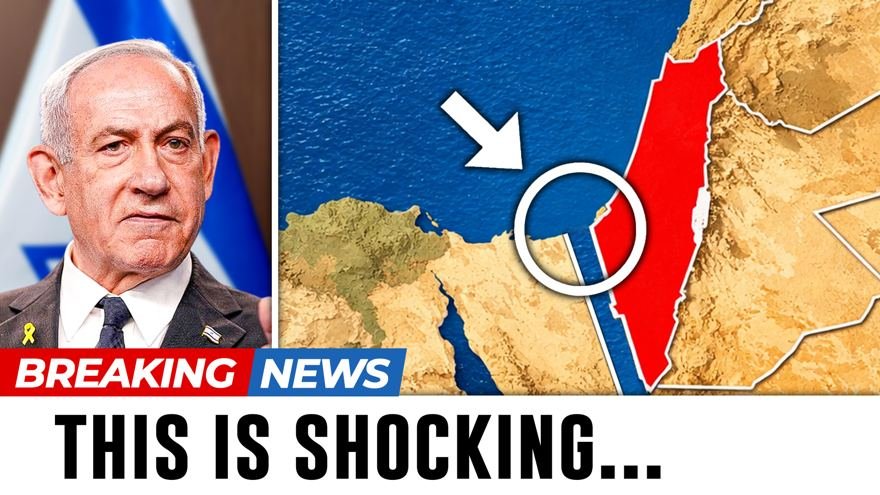
Sample thumbnail made with GrowShakeMedia
Made with GrowShakeMedia · 41s CTR +9.2%
4variants per run
<60stitle to thumbnail
16:91280×720 export
1 clickPNG download
How it works

Three inputs. Four thumbnails.

GrowShakeMedia reads your actual script — not just the title — so the thumbnail promises what the video really delivers.

STEP 01

Upload a reference

Drop in any thumbnail whose style you want — your own best performer or a look from your niche. We match the style, not the subject.

STEP 02

Paste title + script

The AI finds the strongest hook in your script and turns it into 2–4 punchy words of thumbnail text with the right emotion.

STEP 03

Pick your winner

Get 4 distinct variations at 1280×720. Download the one that pops — or hit regenerate until it does.

The studio

Make one right now

Upload a reference, add your title and script, hit generate. No accounts, no API keys, no design tools.

Click or drag an image here
JPG / PNG · style reference
Your 4 thumbnails will appear here.
Fill the form and hit generate.
Pricing

Cheaper than one bad upload

A weak thumbnail buries a video you spent days on. These plans cost less than that.

Starter

$0
free — no sign-up
  • 3 free generations a day
  • 4 variants per run
  • Powered by Nano Banana Pro
  • 1280×720 PNG downloads
Start free
Most popular

Creator

$19
per month · 40 generations
  • Pro model — sharpest text
  • No API key needed
  • Style library (save references)
  • Priority rendering
Coming soon

Channel

$49
per month · 150 generations
  • Everything in Creator
  • 3 team seats
  • A/B title suggestions
  • Email support
Coming soon
FAQ

Questions, answered

Do I need design skills?

No. You upload a thumbnail you like, type your title, and paste your script. The AI handles layout, color, and text placement — you just pick the best of the 4 results.

Is it really free?

Yes — every visitor gets 3 free generations a day, no sign-up and no API keys. Paid plans with higher limits and saved styles are coming soon.

Will it copy someone else's thumbnail?

The reference sets the style — colors, energy, composition. Your title and script set the content. Don't use it to imitate a specific creator's face or branding; use it to match a look that works in your niche.

What size are the downloads?

Thumbnails are generated at 16:9 and download as PNG, ready to upload straight to YouTube (recommended size 1280×720).

What AI does it use?

A two-step pipeline on Google Gemini: Gemini Pro studies your reference, title and script and writes 4 distinct visual concepts, then Nano Banana Pro renders each concept as a finished 16:9 thumbnail.
Ready when you are

Stop losing clicks
to ugly thumbnails

Open the studio